

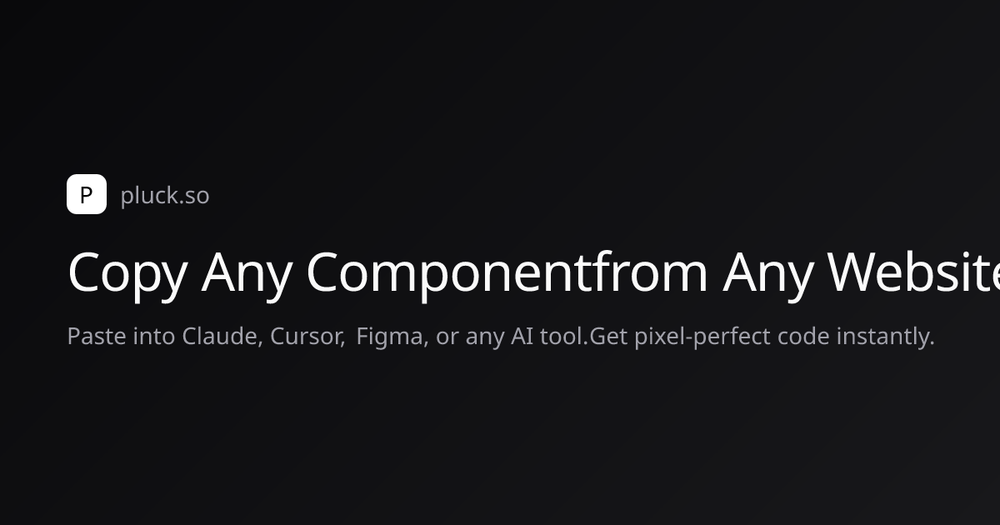
Pluck is a powerful browser extension designed for developers and designers who want to streamline their workflow by capturing UI components from any website. With just a click, you can select any element on a webpage, and Pluck will capture its full structure, including HTML, styles, layout, and assets. This makes it incredibly easy to recreate components in your projects without the hassle of manual coding. Whether you're working on a web application, a design prototype, or simply need to grab a UI element for inspiration, Pluck is the tool you need to enhance your productivity.
Key Features
- One-Click Capture: Instantly capture any component from any website without needing developer tools.
- Pixel-Perfect Context: Pluck captures every detail, including colors, fonts, spacing, and layout, ensuring accurate recreation.
- Universal Compatibility: Works seamlessly with popular AI tools like Claude, Cursor, and Figma, allowing for easy integration into your workflow.
- Tailored Output: Choose your CSS and UI frameworks, and Pluck will adjust the output to match your project requirements.
Perfect For
Pluck is perfect for web developers, UI/UX designers, and anyone involved in creating digital products. It is especially useful for those who frequently draw inspiration from existing websites and want to save time by avoiding manual recreation of UI components. Ideal for rapid prototyping and design iterations, Pluck helps you go from inspiration to implementation in minutes.
Why Choose Pluck
Pluck stands out due to its simplicity and efficiency. Unlike traditional methods of copying UI elements, which can be tedious and error-prone, Pluck automates the process, allowing you to focus on creativity rather than manual tasks. With its user-friendly interface and powerful capabilities, Pluck is the go-to tool for anyone looking to enhance their design and development workflow.


